简体中文
 ENGLISH
| Fisher FIELDVUE - Diagnostic Event Codes & Alarm Handling | ||||||||||||||||||||||||||||||||||||||||||||||||||||||||||||||||||||||||||
| Release time:2026-11-25 09:02:26 | Views: | ||||||||||||||||||||||||||||||||||||||||||||||||||||||||||||||||||||||||||
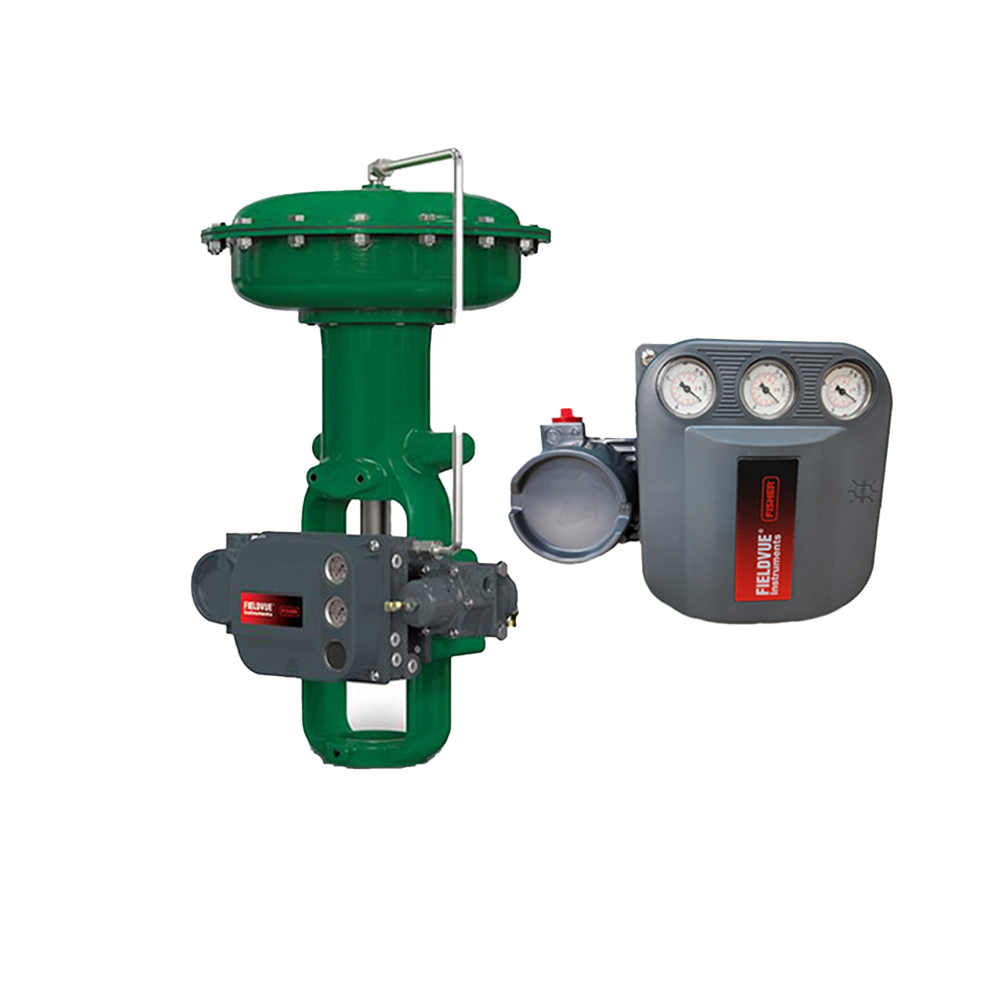
Diagnostics of Fisher FIELDVUE digital valve controllers cover travel, friction, air supply, seat, communication and configuration, and are reported to the control system through HART alarms and NAMUR NE107 status. Exact event code numbers depend on firmware, DD/EDD and device type and are not itemized in public data. This article organizes event categories, alarm classes and handling flow from official data; code numbers are subject to the official manual and ValveLink event list and are not invented. I. Product Positioning
The data in this article was obtained via web search. Source: Emerson DVC6200 page https://emerson.com/en/final-control/products/fisher-dvc6200 and DVC6200 SIS page (diagnostics accessible anywhere on the loop, NE107 status indication).
II. NE107 Alarm Classes
Source: NAMUR NE107 status classes and Fisher FIELDVUE official status indication; mapping subject to the device manual. III. Event Categories and Direction
Source: Fisher FIELDVUE official diagnostic descriptions; no event code numbers are listed here, subject to the ValveLink event list and official manual. IV. Alarm Output and Configuration
Source: Fisher FIELDVUE specifications for position transmitter and switch options (NE43 failure direction); configuration subject to the model manual. V. Field Handling Flow
Source: Fisher FIELDVUE official diagnostic and maintenance practice; reset method subject to the device manual. VI. Selection Guide and Common ModelsSelection guide: Handle alarms by "classify first, locate second, reset third": use NE107 to separate failure from maintenance need, locate the cause with valve signature and trends, then reset and record after correction. Diagnostic depth depends on AC/HC/AD/PD/ODV levels; ODV is available only on DVC6200H and AD/PD do not apply to DVC6200P. Exact event code numbers and meanings are subject to the official manual and ValveLink event list; none are invented here. Common models: DVC6200H, DVC6200F, DVC6200P, DVC6200 SIS and DVC2000, with ValveLink software and HART communicators as tools. Ordered diagnostic levels subject to the Emerson selection tool and nameplate. If you see a FIELDVUE alarm on site but are unsure of the event meaning, please send the device model, diagnostic level, event screenshot and service conditions. We can locate the cause using NE107 classes and official diagnostic practice without inventing event code numbers. Orders & InquiriesBaoman Industrial Technology (Chengdu) Co., LtdTel: +86 028-60220547 | Email: info@bit-cd.com Address: Room 1108, Building A, Tingbiao Central Plaza, No. 158 Erxianqiao East Road, Chenghua District, Chengdu, Sichuan Province, China The information above is not guaranteed to remain valid at all times. Subsequent changes will not be notified separately. Please confirm the latest information at the time of inquiry. |