简体中文
 ENGLISH
| Masoneilan SVI2 AP Smart Positioner - Commissioning & Setup Guide | |||||||||||||||||||||||||||
| Release time:2026-11-21 00:50:35 | Views: | |||||||||||||||||||||||||||
Masoneilan SVI2 AP Smart Positioner - Commissioning & Setup Guide. Masoneilan is a regulating valve brand of the Dresser Group in the United States and is widely used in chemical process plants; its matching smart valve positioners deliver high-accuracy regulation. This guide covers the HART475 communicator self-check menu steps, common faults and HART-based handling, operating precautions, and the common stock models with product photos, for reference in field commissioning and selection.
I. Product Positioning
Source: Masoneilan SVI2 AP official commissioning manual (confirm the exact document number with the manufacturer). II. Valve Self-Check Menu Steps
Source: Masoneilan SVI2 AP official commissioning manual (confirm the exact document number with the manufacturer). III. Common Faults and HART Handling
Source: Masoneilan SVI2 AP official commissioning manual (confirm the exact document number with the manufacturer). IV. Precautions
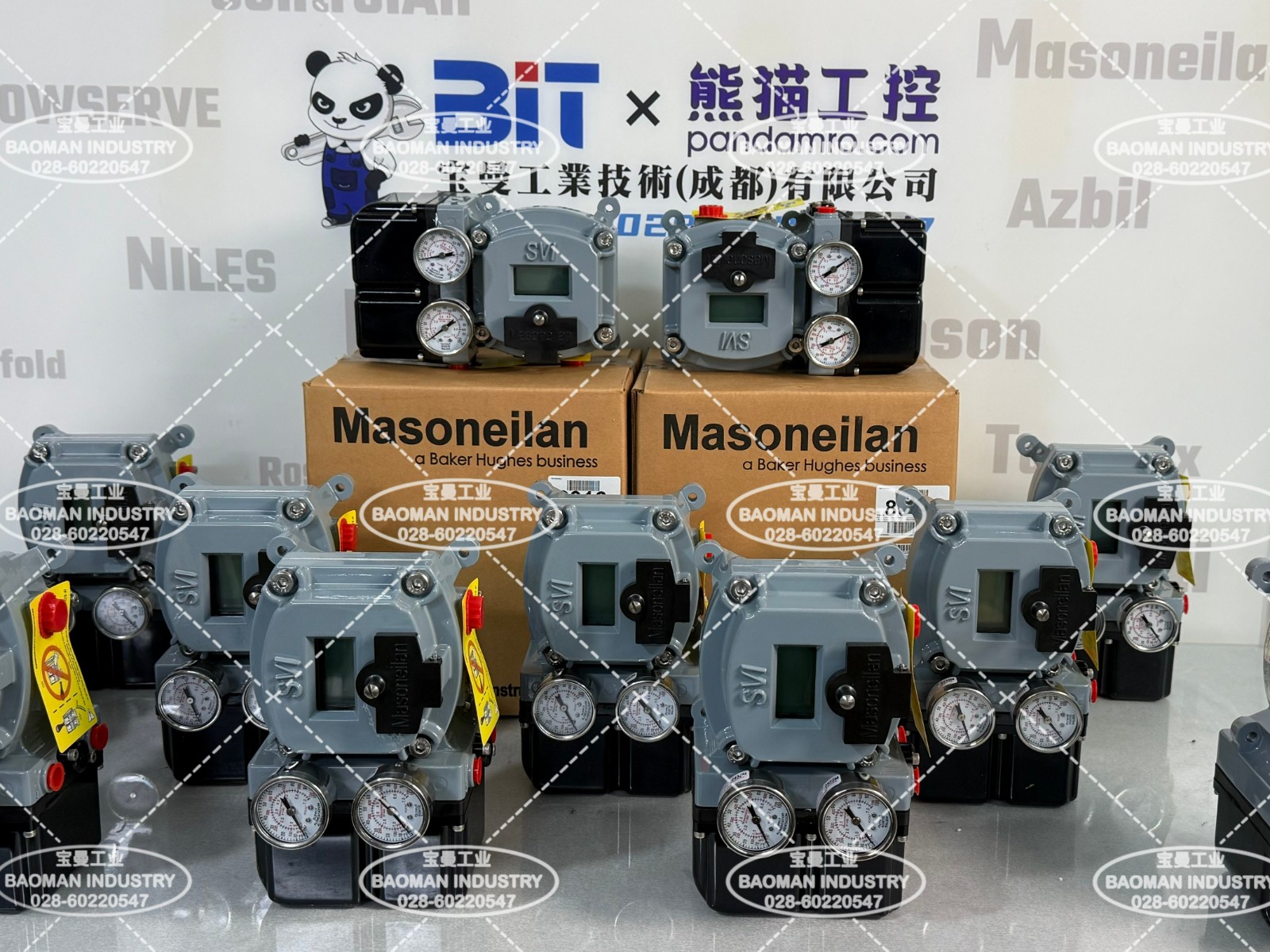
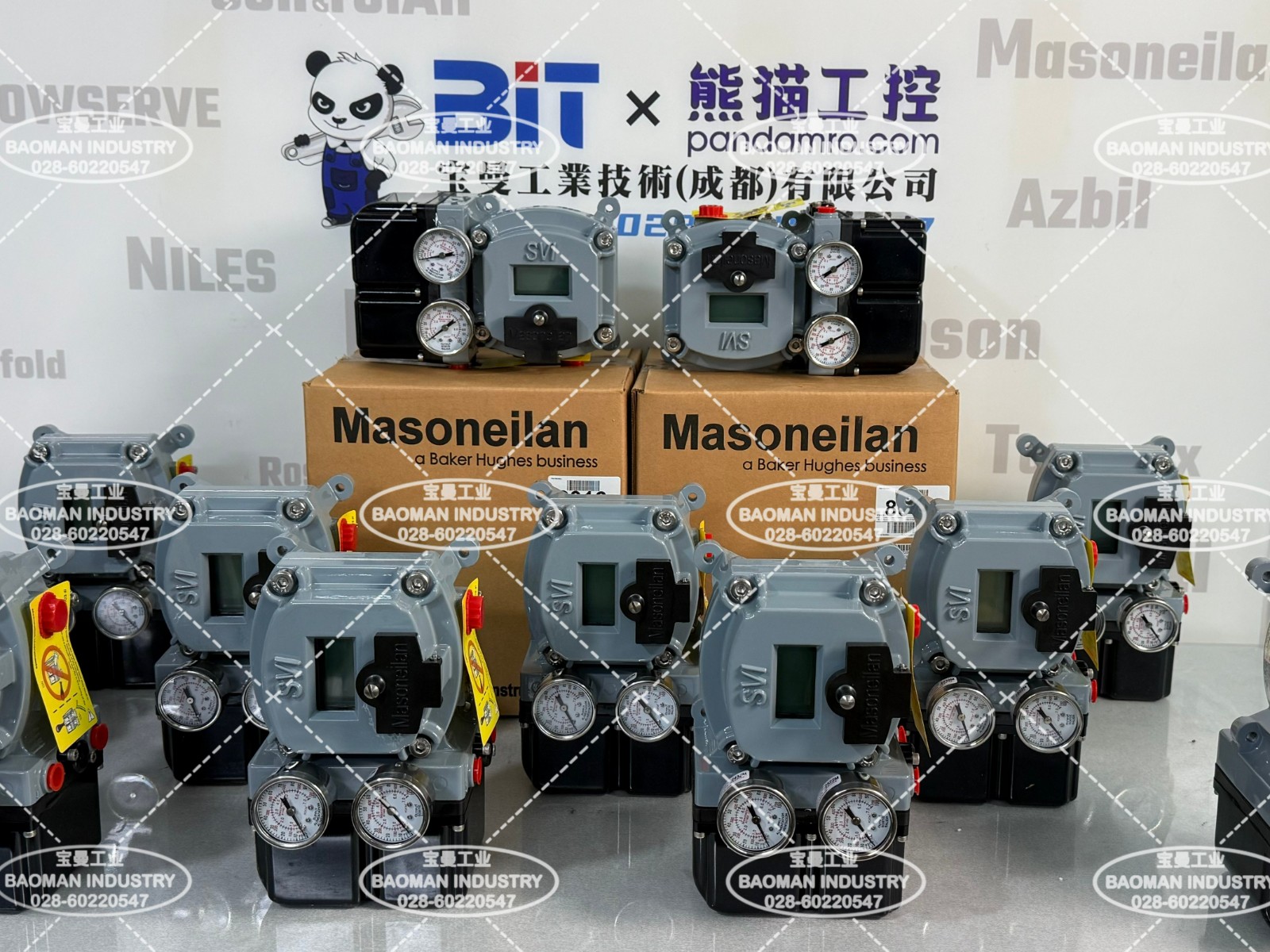
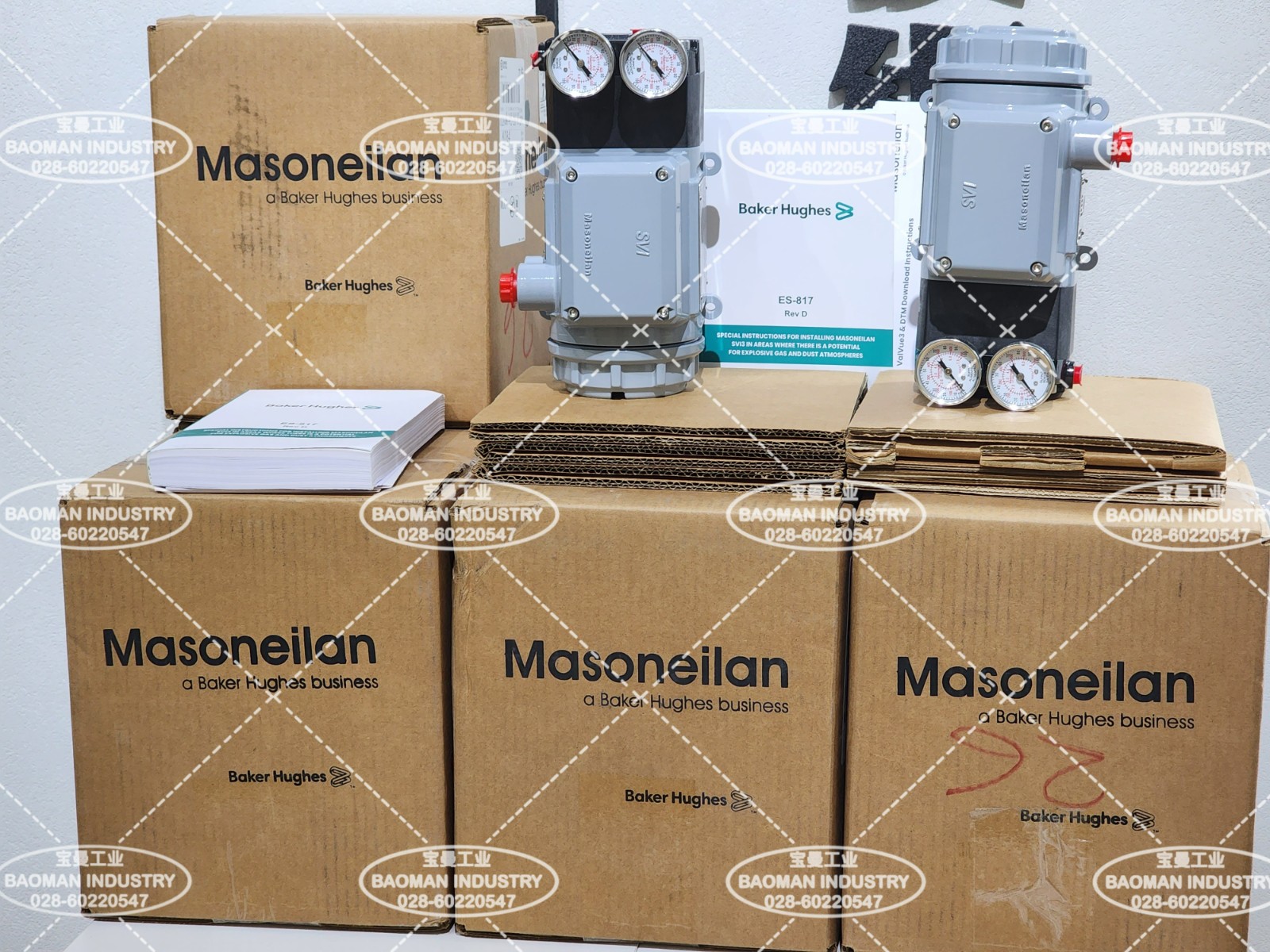
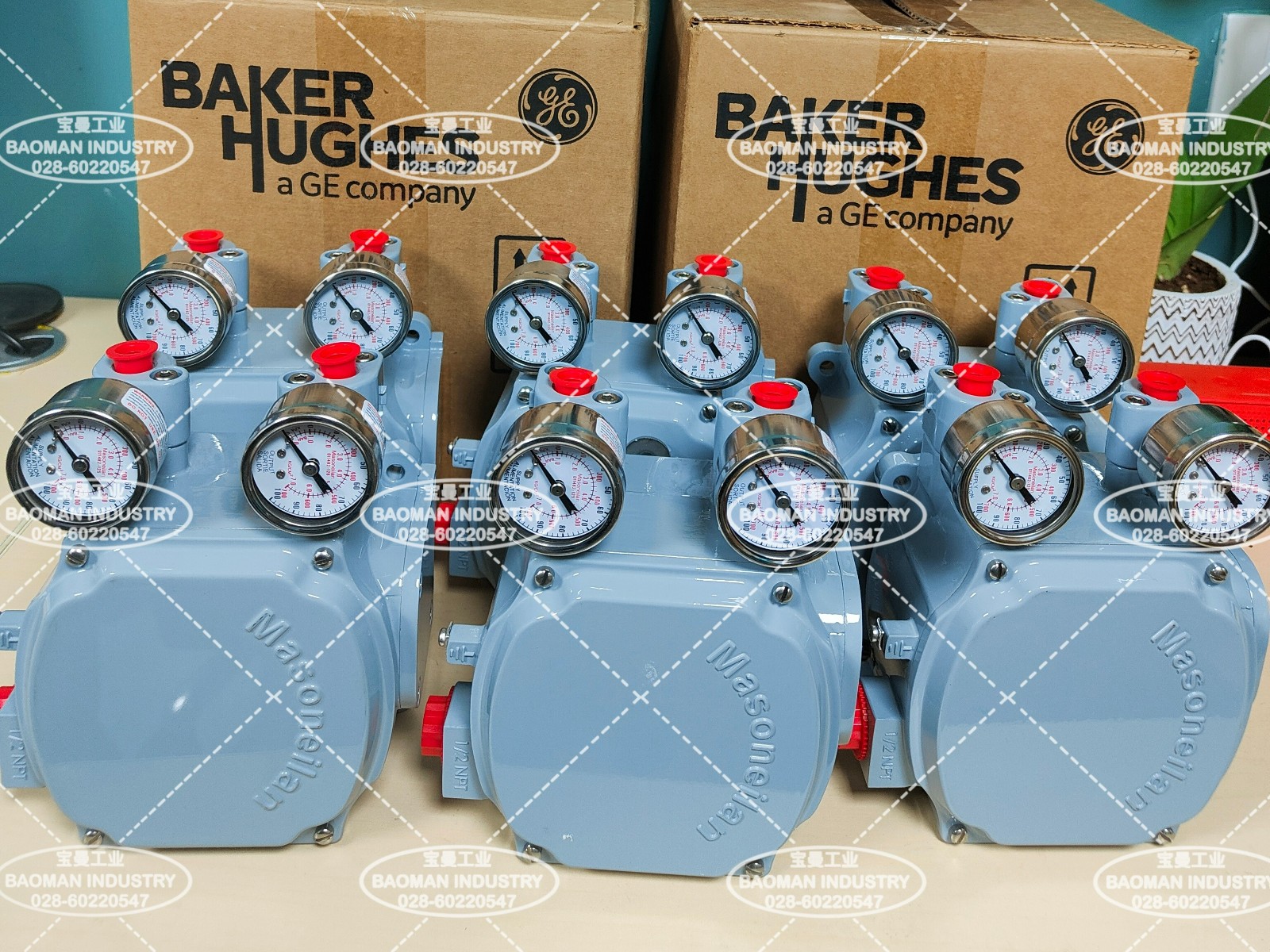
V. Stock Models and Product PhotosSVI2 series: SVI2-22113121, SVI2-21123121, SVI2-21113121, SVI2-21123111, SVI2-21113111, SVI2-21113121, SVI2-21113211, SVI2-22113121, SVI2-22123121, SVI2-22113111, SVI2-31123111, SVI2-31123121. SVI3 series: SVI3-21121212, SVI3-21111212, SVI3-21121112, SVI3-21111112, SVI3-21121112, SVI3-22121212, SVI3-21141212. SVI1000 series: SVI1000/PR/G/IM, SVI1000/G/IM.
VI. Selection Guide and Common ModelsSelection guide: SVI2 series positioners are distinguished digit by digit in the model code. When checking stock or placing an order, verify the complete model suffix (for example SVI2-22113121 and SVI2-21123121) and confirm that the communication method, feedback arrangement and housing configuration match the site requirements. The SVI3 and SVI1000 series are likewise verified digit by digit according to their own model rules. Refer to the official Masoneilan selection data for the exact meaning of each digit. Before commissioning, confirm that the HART475 communicator communicates normally with the smart positioner, and complete the safety checks and parameter records described in the precautions. Common models: SVI2-22113121, SVI2-21123121, SVI2-21113121, SVI2-21123111, SVI2-21113111, SVI2-21113211, SVI2-22123121, SVI2-22113111, SVI2-31123111, SVI2-31123121; SVI3-21121212, SVI3-21111212, SVI3-21121112, SVI3-21111112, SVI3-22121212, SVI3-21141212; SVI1000/PR/G/IM, SVI1000/G/IM. If you are selecting or commissioning a Masoneilan SVI2 AP positioner for a control valve, or need to verify stock models and HART commissioning steps, please feel free to contact us. We can work with you to confirm the model and commissioning plan based on your valve service conditions, communication protocol and certification requirements. Orders & InquiriesBaoman Industrial Technology (Chengdu) Co., LtdTel: +86 028-60220547 | Email: info@bit-cd.com Address: Room 1108, Building A, Tingbiao Central Plaza, No. 158 Erxianqiao East Road, Chenghua District, Chengdu, Sichuan Province, China The information above is not guaranteed to remain valid and may be modified without prior notice. Please refer to the latest confirmed information at the time of inquiry. |